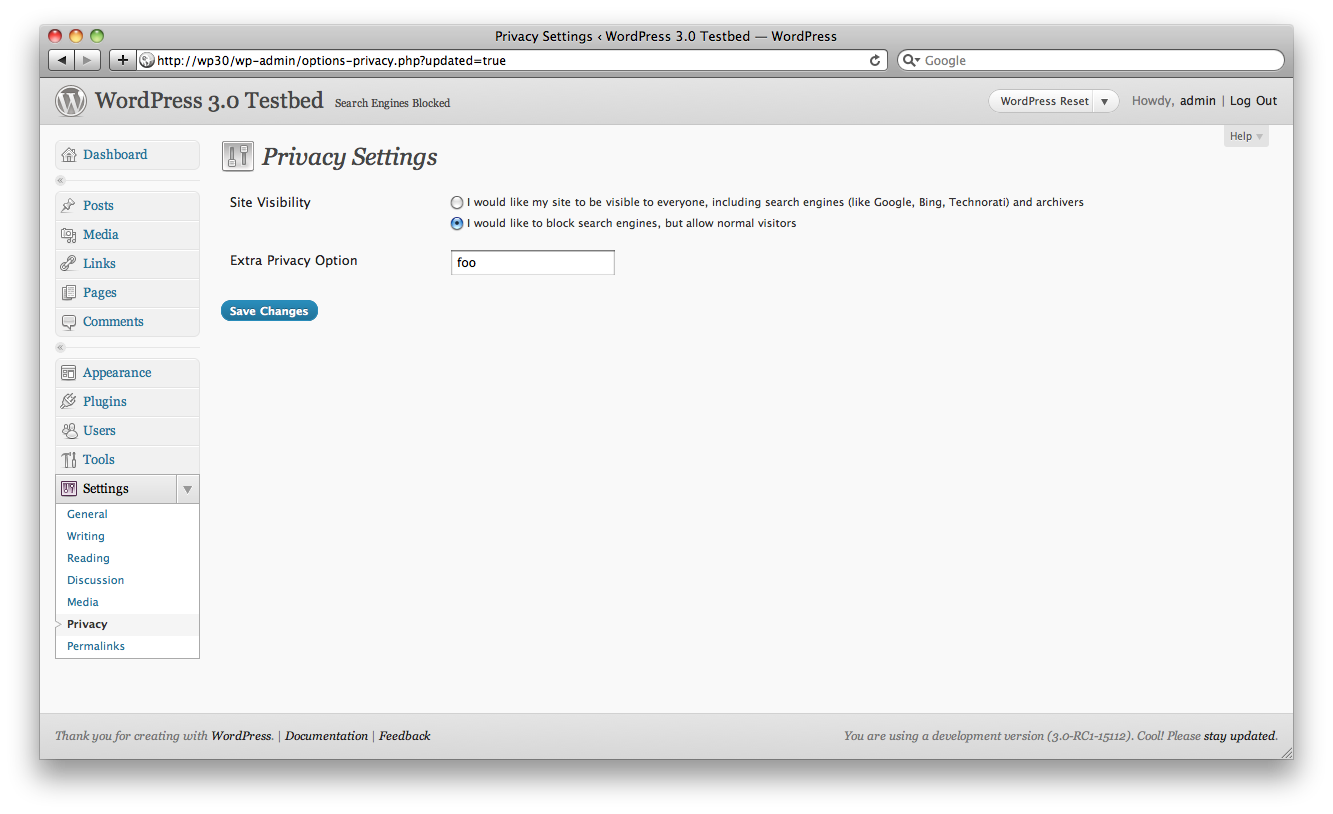
There are lots of tutorials on adding a whole new options page for your plugin, but adding just a field or two to one of the standard options pages is a little different.
<br />
function add_extra_privacy_options() {<br />
     add_settings_field('extra_privacy', 'Extra Privacy Option', 'extra_privacy_options', 'privacy', $section = 'default', $args = array());<br />
     register_setting('privacy', 'extra_privacy');<br />
}</p>
<p>add_action('admin_init', 'add_extra_privacy_options');<br />
     // displays the options page content<br />
     function extra_privacy_options() { ?></p>
<input name='extra_privacy' value='<?php echo get_option('extra_privacy'); ?>' /><br />
<?php<br />
}<br />
The first argument in the register_setting() function is the one that identifies which existing page you want to use.

That’s all you have to do! Just replace the form fields with your own. You’re using the Settings API, so your option will be saved and updated for you (as ‘extra_privacy’ in the wp_options table).



AWESOME! I was just thinking about this the other day. I didn’t want to create my own options panel, just add it on to a current one. Awesome!