The HTML Import 2 plugin imports a directory of files into WordPress according to configurable settings. You may specify the HTML tag containing the content you want to import (e.g. , <div id="content"> or <body>) or the name of a Dreamweaver template region (e.g. “Main Content”).
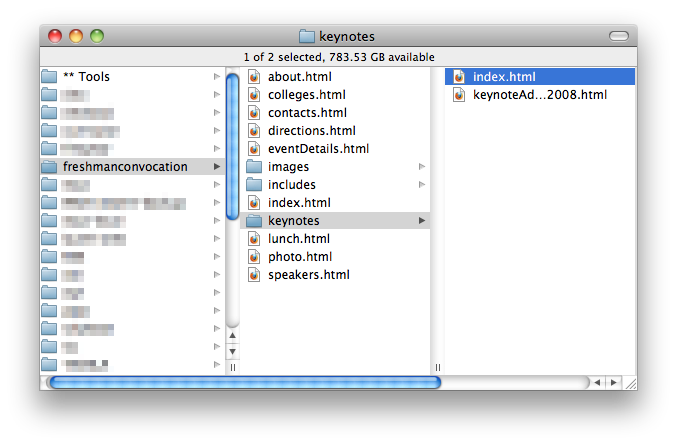
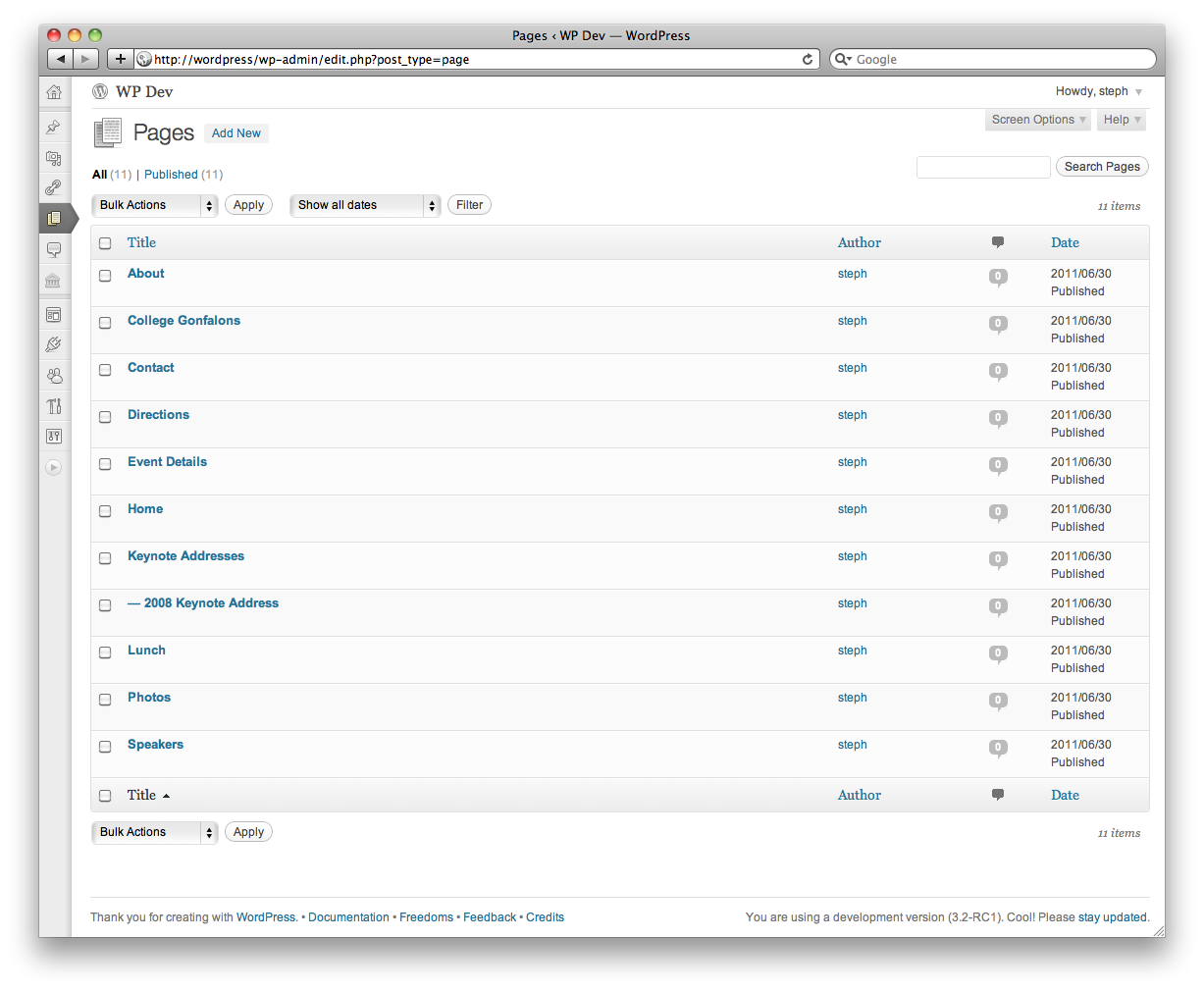
If importing pages, the directory hierarchy will be preserved. Directories containing the specified file types will be imported as empty parent pages. Directories that do not contain the specified file types will be ignored.
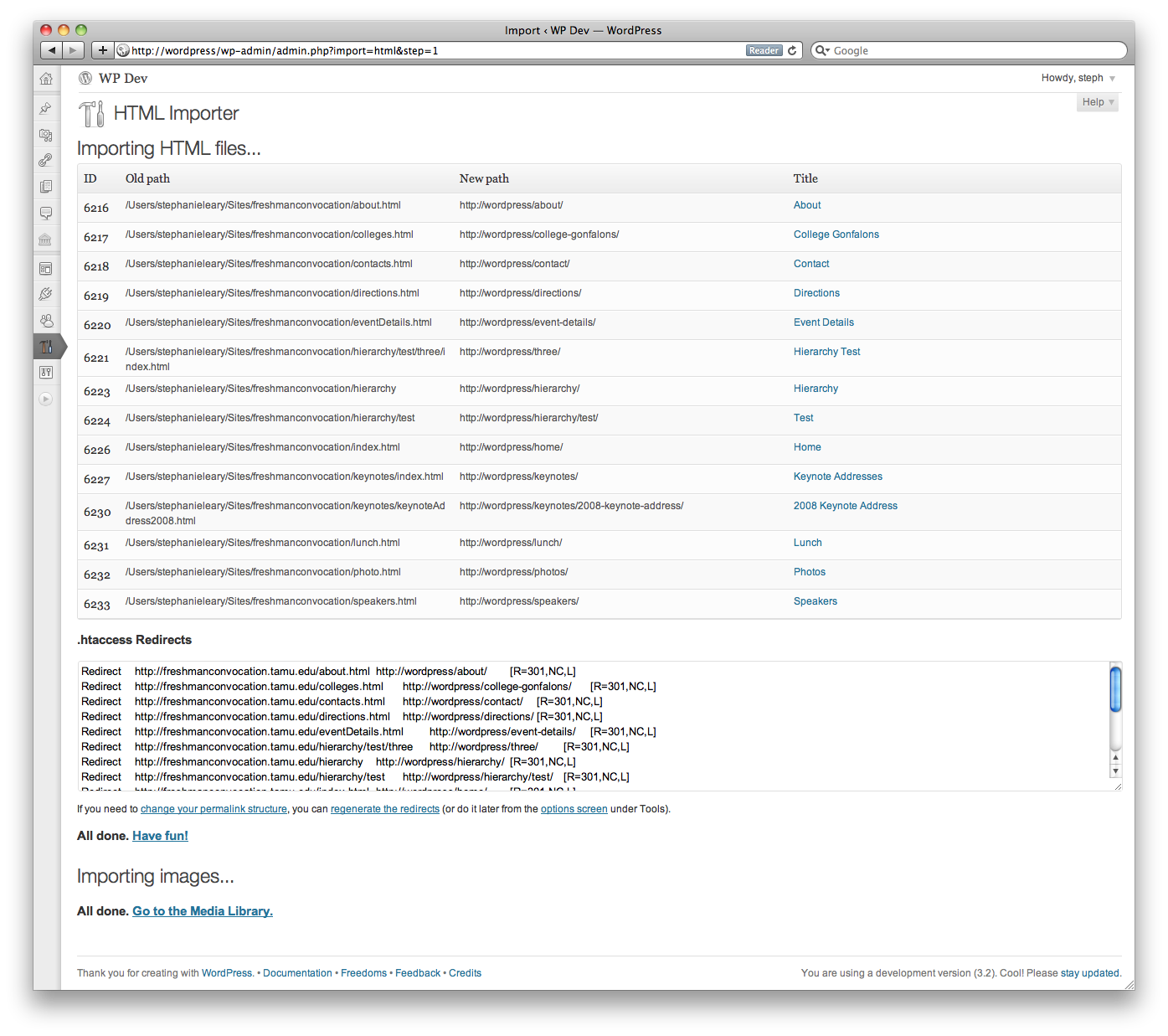
As files are imported, the resulting IDs, permalinks, and titles will be displayed. On completion, the importer will provide a list of Apache redirects that can be used in your .htaccess file to seamlessly transfer visitors from the old file locations to the new WordPress posts or pages.
Options in 2.5:
- import files into
pages or postsany post type - import linked image files and other documents to the media library
- select content, title, date, tags, and custom fields by HTML tag or Dreamweaver template region, or import the entire file
- remove a common phrase (such as the site name) from imported titles
- remove the imported title from within the content area, if it’s nested
- upload a single file or scan a directory for files to import
- specify file extensions to import (e.g. html, htm, php)
- specify directories to exclude (e.g. images, css)
- specify directories’ default filenames (e.g. index.html, default.htm) to use as parent page of other files in the directory
- if importing pages (or any hierarchical custom post type), specify whether your top-level files should become top-level pages or children of an existing page
- set tags, categories, and custom taxonomies
- choose status, author, and timestamp
- use meta descriptions as excerpts
- use the existing filename as the imported page’s slug
- clean up imported HTML and strip unwanted tags and attributes
- fix internal links
Requires PHP 5 and the php-xml extension (which should be installed and enabled by default).
download at wordpress.org get support at wordpress.org donate to future development
Screenshots